How to Get a Transcript of a TikTok Video
Turn any TikTok into readable, searchable text in seconds — great for research, captions, repurposing, or just reading a clip instead of watching it.
There are a lot of reasons to want a TikTok as text. Maybe you're a journalist quoting a creator and you need the exact wording. Maybe you're studying and the useful part is buried in a three-minute rant. Maybe you're a creator yourself and you want to turn a video script back into a blog post. Whatever the reason, reading is faster than watching, and text is searchable in a way that video never will be.
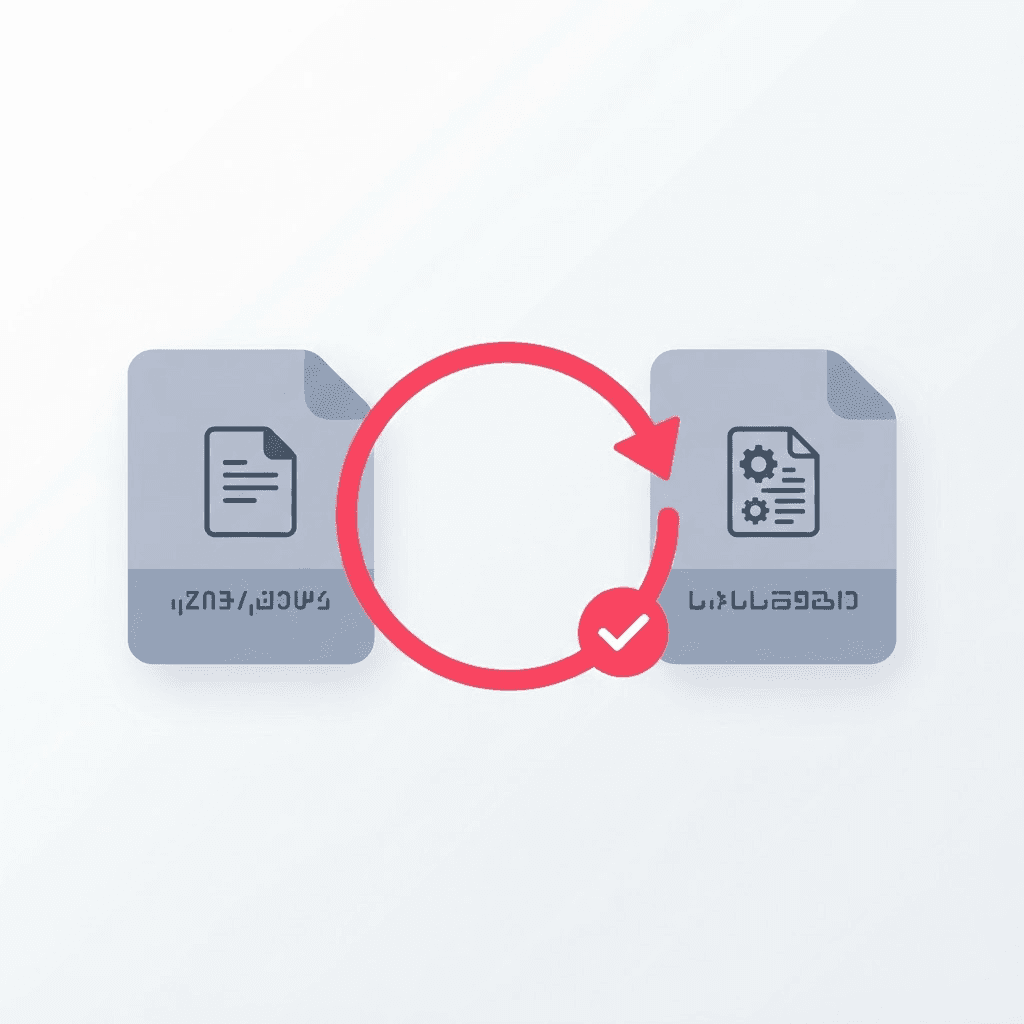
TikTok's auto-captions help you watch with the sound off, but they don't give you a transcript you can copy. For that, you extract the speech and convert it to text — which takes seconds and opens up a surprising amount of downstream use.
From video to text
Grab the video link
Share, Copy Link — same as always. The tool works from the link, so there's nothing to download first.
Paste it into the transcript tool
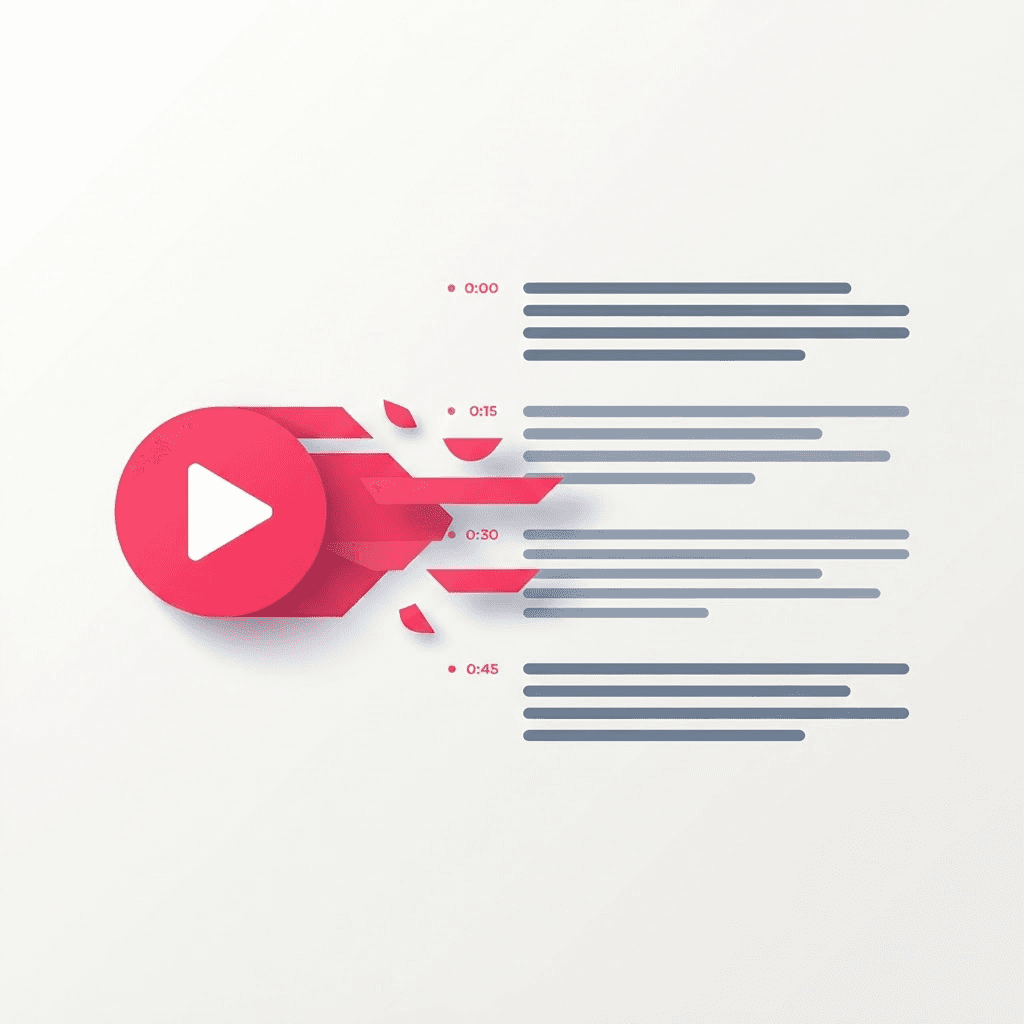
It pulls the audio and runs speech recognition, then returns the full text with timestamps.
Copy, jump, or export
Copy the whole thing, click a timestamp to jump to that moment, or export as TXT for notes or SRT/VTT for captions.
How accurate is it, really
For a person speaking clearly in a quiet room, modern speech-to-text is genuinely good — you'll get a clean transcript that needs only light touch-up on proper nouns and brand names. Where it struggles is the stuff you'd expect: heavy background music, two people talking over each other, thick accents, and slang the model hasn't seen. Treat the output as a strong first draft, not a court record, and skim it once before you quote it.
A quick sanity pass takes a fraction of the time typing the whole thing yourself would. Read it with the audio playing at 1.5x, fix the three or four words the model guessed wrong, and you're done. That's still a tenth of the effort of manual transcription.
One video, many formats
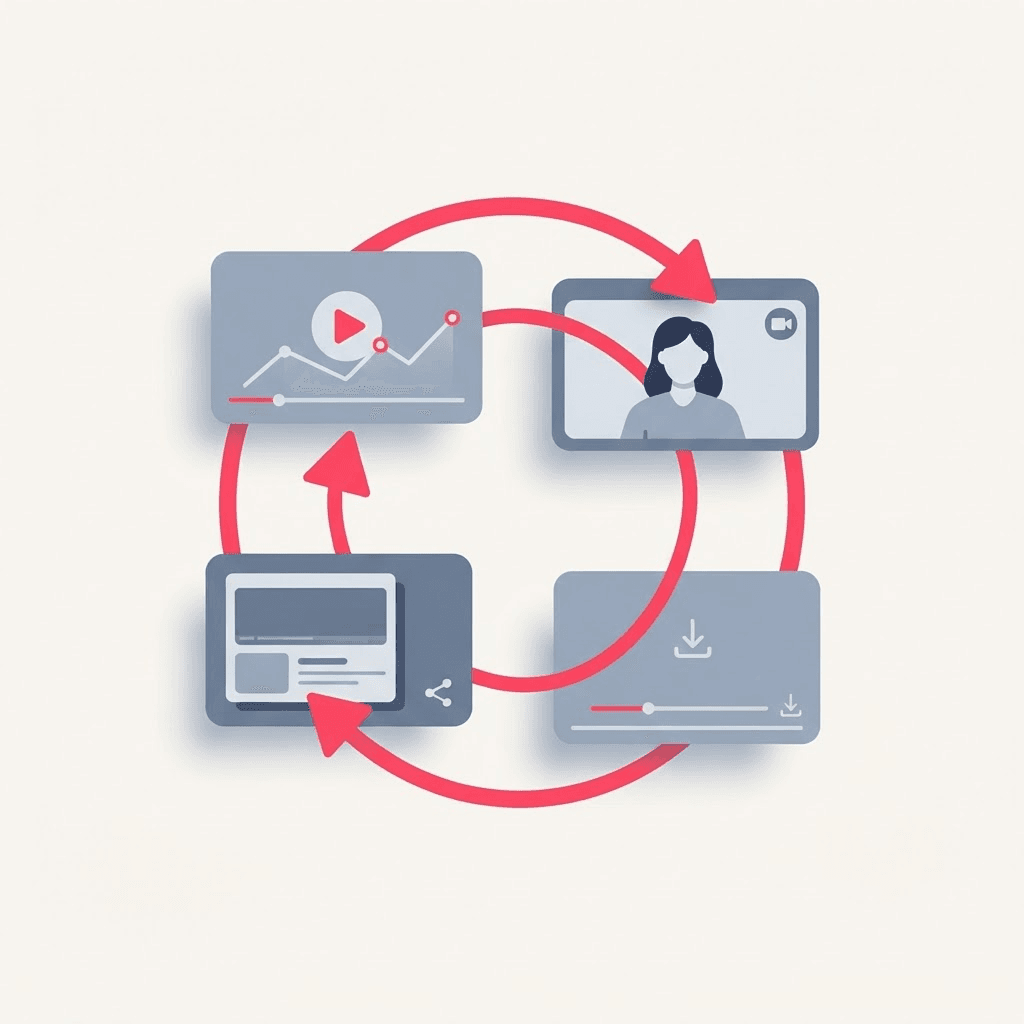
The reason transcripts are such a workflow unlock is that text is the raw material for almost everything else. Once a video is text, repurposing stops being a creative chore and becomes editing.
- Turn a talking-head TikTok into a blog post or newsletter section.
- Pull three punchy lines out for a quote graphic or carousel.
- Feed the transcript to a summarizer to get a TL;DR in seconds.
- Translate the text to caption the video for another audience.
- Search a long video for the one moment you actually needed.
Repurposing content? A transcript is the single biggest time-saver in your workflow. One video becomes a caption, a carousel, an email, and a blog section — all from text you didn't have to type.
SRT and VTT: when you need them
If you're going to burn captions onto a video, export SRT or VTT rather than plain text. Those formats carry the timing information — each line knows when it should appear and disappear — so any editor or platform can sync the words to the footage automatically. Plain TXT is for reading; SRT and VTT are for captioning. Grabbing the wrong one means redoing the timing by hand, so pick based on where the text is going.
A note on accuracy for research and quotes
If you're quoting someone publicly — in an article, a video, a paper — always verify the exact wording against the audio before you publish. Auto-transcription is excellent at the gist and very good at the words, but a single misheard word can flip a sentence's meaning, and 'the tool said so' is not a defense anyone accepts. Use it to get 95% of the way there, then trust your ears for the last 5%.
Who actually reaches for a transcript
It's worth spelling out who benefits, because once you see the pattern you start noticing transcript-shaped problems everywhere. Students turn a dense explainer into notes they can highlight. Researchers and journalists pull exact quotes without scrubbing back and forth. Creators mine their own back catalog for blog posts and email content. Marketers grab testimonials and turn talking-head clips into captions. Non-native speakers read along to catch words they'd miss at speed. None of these people want to watch the video a second time — they want the words on a page.
Cleaning up a raw transcript fast
A raw transcript is a first draft, and there's a fast way to polish it and a slow way. The slow way is reading it cold and guessing. The fast way is to play the audio at 1.25–1.5x with the transcript open beside it, fixing only what your ear flags as wrong. Because you're not typing from scratch — just correcting — a five-minute video takes a couple of minutes to clean.
- Fix proper nouns and brand names first — that's where speech-to-text stumbles most.
- Add paragraph breaks where the speaker changes topic; walls of text are hard to reuse.
- Drop filler words (um, like, you know) if the transcript is for reading rather than a verbatim record.
- Leave the timestamps in until you're done editing — they make it easy to jump back and check a line.
Transcripts are an SEO asset, not just a convenience
If you publish video anywhere you own — a blog, a landing page, a help center — pairing it with its transcript is one of the highest-leverage things you can do for search. Search engines can't watch a video, but they can read text, so a transcript turns a silent-to-crawlers video into a page full of the exact phrases people search for. It also makes the content accessible to screen readers and anyone who'd rather skim than watch. One extraction, two wins: better reach and broader access.
Timestamps: more useful than they look
The timestamps aren't just decoration. On a long video, they turn the transcript into an index — skim the text, find the moment you need, click, and you're there. For interviews and tutorials this is transformative: instead of dragging a scrubber and hoping, you read to the relevant line and jump straight to it. If you're publishing the video, those same timestamps can become chapter markers, which platforms increasingly reward with better navigation and engagement.
Try the TikTok Transcript
Turn any TikTok into text — free, no sign-up.
Frequently asked questions
Can I export the transcript as subtitles?
Yes. Alongside plain text you can export SRT and VTT, both of which carry timing so captions sync to the video automatically.
Does it work on videos in other languages?
It handles many languages, though accuracy is highest for clear speech with minimal background noise.
Do I have to download the video first?
No. Paste the link and the tool pulls the audio itself — there's no separate download step.
Can I jump to a specific moment in the video?
Yes. The transcript is timestamped, so clicking a line takes you to that exact point — handy for long videos where you only need one part.
Is it accurate enough to quote directly?
It's an excellent first draft, but for anything you'll publish, verify the exact wording against the audio. A misheard word is rare but possible.
What's the fastest way to clean up the transcript?
Play the audio at 1.25����1.5x with the transcript open beside it and fix only what your ear flags. Since you're correcting rather than typing from scratch, a five-minute video takes a couple of minutes to polish.
Does adding a transcript to my page help SEO?
Yes. Search engines can't watch video but can read text, so a published transcript turns the content into crawlable, searchable phrases — and it makes the video accessible to screen readers at the same time.
Can I use the timestamps as video chapters?
You can. The timestamped lines make a natural basis for chapter markers, which several platforms reward with better navigation and engagement.
Does the video need to be public to transcribe it?
It needs to be accessible from the link you paste. Public videos work directly; private ones the tool can't reach won't transcribe.