How to Save a TikTok Sound as an MP3 (Free)
Pull the audio out of any TikTok — trending sounds, voiceovers, original songs — and save it as a clean MP3 you can actually use. No app, no sign-up.
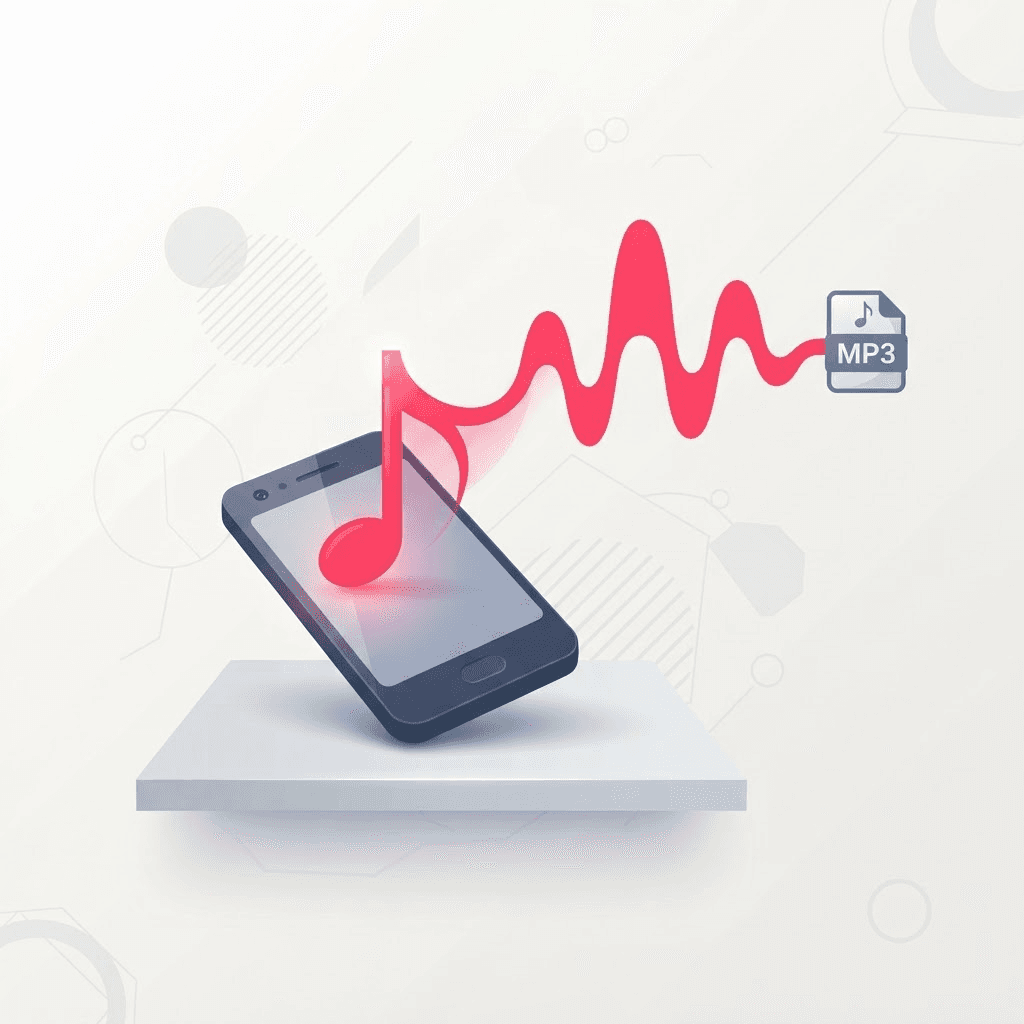
You found the perfect sound on TikTok. Maybe it's a trending audio you want for your own video, maybe it's a voiceover you need to reference, maybe someone's original song is stuck in your head and you want it on your phone. TikTok, unsurprisingly, does not have a 'download this audio as an MP3' button — that would make the sound too portable, and portability is the opposite of what a social platform wants.
So here's how to get the audio out cleanly, without recording your screen or holding your phone up to a speaker like it's 2006. It takes about thirty seconds once you know the flow.
Getting the MP3 in three steps
Copy the link to the video with the sound
Any video using the audio works — you don't need the original. Tap Share, then Copy Link.
Paste it into the converter
Drop the link into the TikTok to MP3 tool. It reads the video and separates the audio track from the picture.
Download and rename
Save the MP3, then rename it to something you'll recognize later. 'video_7291.mp3' helps nobody at 11pm when you're looking for it.
Finding the right video to pull from
If a sound is trending, thousands of videos use it, and any of them will give you the same audio. But there's a catch worth knowing: some creators trim or layer the sound in their own clip, so the audio you extract is their edited version, not the full original. If you want the complete track, tap the spinning record icon at the bottom-right of a video to open the sound's page, then grab a video that uses it start-to-finish — usually the original creator's post.
Grabbing a trending sound to use in your own edit? Download it now. TikTok pulls audio constantly for licensing reasons, and a sound that's everywhere today can be gone next week. A saved MP3 doesn't disappear when the platform delists it.
What the quality is actually like
TikTok audio is compressed to begin with, so no tool can give you a studio master out of a social clip — anyone promising 'lossless' TikTok rips is lying. What you get is the same audio TikTok served, extracted cleanly at a solid bitrate. For a phone playlist, a reference track, or reusing a trending sound in an edit, it's more than enough. For releasing music commercially, buy the real track.
One thing that genuinely helps: pick a video where the audio is clean, not one where the creator is talking over the sound or where there's background noise from their room. Garbage in, garbage out — the extractor faithfully gives you whatever was in that clip, mess and all.
What people actually use these MP3s for
- Saving a trending sound to reuse in an edit before it gets pulled from the library.
- Building a phone playlist of songs discovered through TikTok.
- Keeping a voiceover or quote as a reference while writing a script.
- Pulling the audio from your own TikToks to reuse across other platforms.
- Grabbing sound effects and stingers to drop into a video project.
Using TikTok sounds the right way
Original sounds and trending audio are usually fine to reuse inside the TikTok ecosystem. The moment you're putting someone else's music into a commercial project, a YouTube video with ads, or anything you're selling, you need to think about licensing. Extracting the MP3 is a tool; what you do with it is on you. Personal listening and reference use are low-risk; monetized republishing of someone else's music is not.
Getting the MP3 onto your phone or into an app
Downloading the file is only half the job — most people want the sound somewhere useful afterward. On a computer the MP3 drops into your Downloads folder, and from there you can drag it straight into an editor, a music library, or cloud storage. On a phone it saves to Files, and you can then share it into whatever app needs it — a video editor, a voice-memo replacement, or a music player that reads local files.
If you're pulling a sound to use inside a video edit, save it to the same project folder as your footage before you start cutting. Hunting for a stray MP3 halfway through an edit breaks your flow, and it's the kind of tiny friction that makes people abandon a project they were otherwise excited about.
Trimming the sound to just the part you want
A lot of the time you don't want the whole clip's audio — you want the eight-second hook, or the punchline, or one specific line. The extractor gives you the full track from that video; trimming it down is a separate, quick step in any basic audio editor (your phone's voice-memo app can even do a rough crop). Grab the full MP3 first so you have the complete source, then cut a copy down to the exact segment you need and keep the original in case you want a different piece later.
Why not just screen-record the sound?
Screen recording feels like the obvious shortcut, but it's the worst of the options. You capture whatever else your phone is doing — notification dings, a stray tap, the volume being slightly off — and you get a video file you then have to convert to audio anyway. Worse, screen recording re-compresses already-compressed audio, so you're stacking quality loss on quality loss. Pulling the MP3 directly skips all of that and gives you the cleanest version the source can offer.
- No accidental background noise from your phone or room.
- No extra conversion step from video to audio afterward.
- No second round of compression degrading the sound.
- Exact start and end, instead of whatever you managed to catch with a manual tap.
Try the TikTok to MP3 Converter
Pull the sound from any TikTok — free, no sign-up.
Frequently asked questions
Do I need the original video that made the sound?
No. Any video using that audio will work — paste any link and the converter pulls the same sound. If you want the full untrimmed track, grab it from the sound's page.
Is the MP3 high quality?
It matches the audio TikTok serves, extracted cleanly. That's great for playlists and reuse, but no tool can create quality that wasn't in the source clip.
Can I convert a whole slideshow's audio?
Yes — photo slideshows have an audio track too, and the converter extracts it the same way as a normal video.
Will the MP3 include the creator talking over the sound?
It includes whatever was in that specific clip. If you want just the music, pick a video where the sound plays clean without a voiceover on top.
Where does the MP3 save on my phone?
It lands in the Files app under Downloads. From there you can share it into a music player, a video editor, or cloud storage — anywhere that reads local audio files.
Can I trim the MP3 to just one part of the sound?
The tool gives you the full audio from that clip. To keep only a segment, open the MP3 in any basic audio editor — even a phone voice-memo app can crop it — and save the piece you want.
Is it better than screen recording the sound?
Much better. Screen recording catches background noise and app sounds, forces a video-to-audio conversion afterward, and adds a second round of compression. Extracting the MP3 directly avoids all three.
Can I use the sound in a YouTube video?
Technically you can extract it, but licensing is a separate question. Reusing someone else's music in a monetized YouTube video can trigger copyright claims. For anything public or commercial, make sure you have the right to use the track.